THE CHALLENGE
→Specialist teachers are hard to find.
THE KODLAND SOLUTION
Kodland provides dedicated teachers.
Live online lessons — or training for your own team.
 for SchoolsFor families ↗
For private and public schools
Students aged 5 to 17
Bring coding, AI and digital creativity into your school — with Kodland teachers or your own team.
Coding & AI · Digital design & art
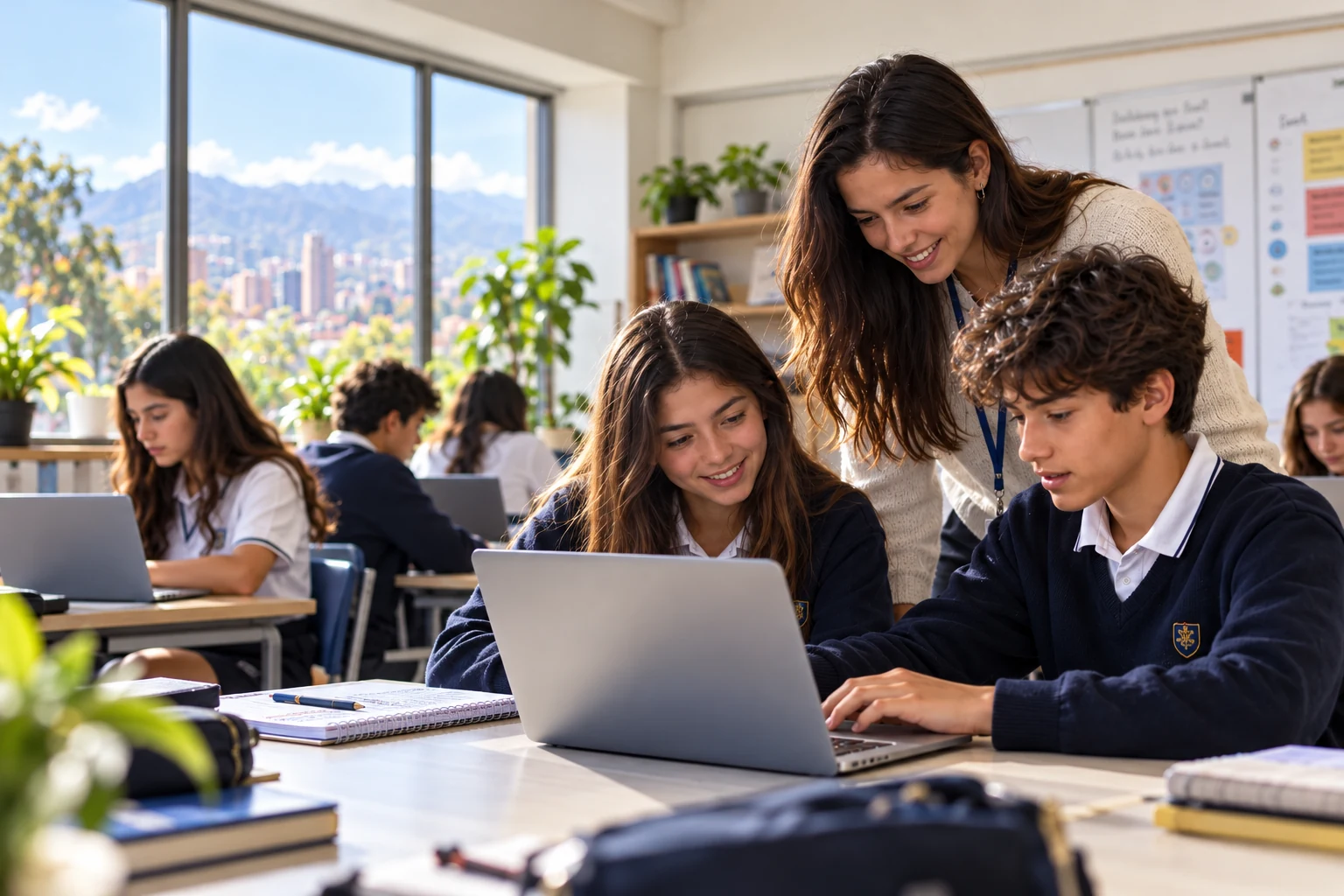
A global teaching business. A personal school partnership.
Meet Kodland ↗students worldwide
countries reached
teaching since
 4.7 / 5 · ExcellentFamily reviews ↗
 STEM.org AccreditedInternational accreditation
Company-wide Kodland figures, not school-partnership totals. Trustpilot rating checked October 2026.
01 / YOUR SCHOOL’S CHALLENGES
Live online lessons — or training for your own team.
Games, websites and illustrations students present to their families.
Lessons, materials and platform. We agree the schedule together.
02 / PARTNERSHIP, YOUR WAY
Need the people to deliver it?
Or the resources for your own team?
Start with the model that fits your school.
Live online lessons with a Kodland teacher, our learning platform and a structured programme. For computing in the timetable or a new extracurricular offer.
Your team teaches with Kodland’s programmes and platform. We support you with onboarding and teaching guidance.
How the partnership works: your school signs an agreement with Kodland and, where applicable, manages family enrolment and fees. Pricing is tailored to your school; continuing after the pilot is optional.
03 / A PROGRAMME FOR YOUR SCHOOL
Four options by age, from 5 to 17. Your school chooses what it needs — no fixed order.
Logical and mathematical thinking and first steps in code with Scratch.
Web design, 3D modelling and digital illustration.
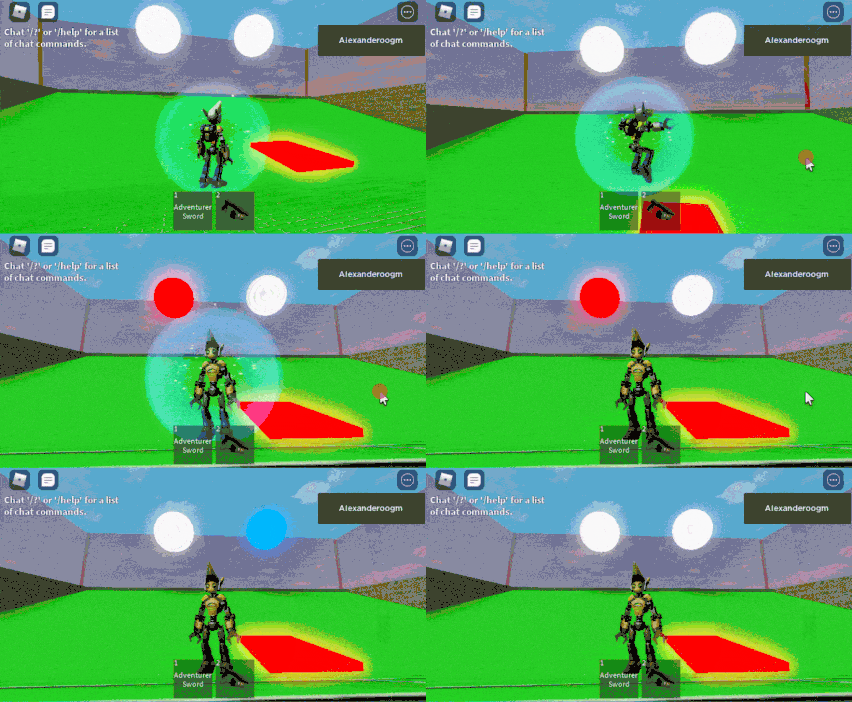
Coding and design through building video games.
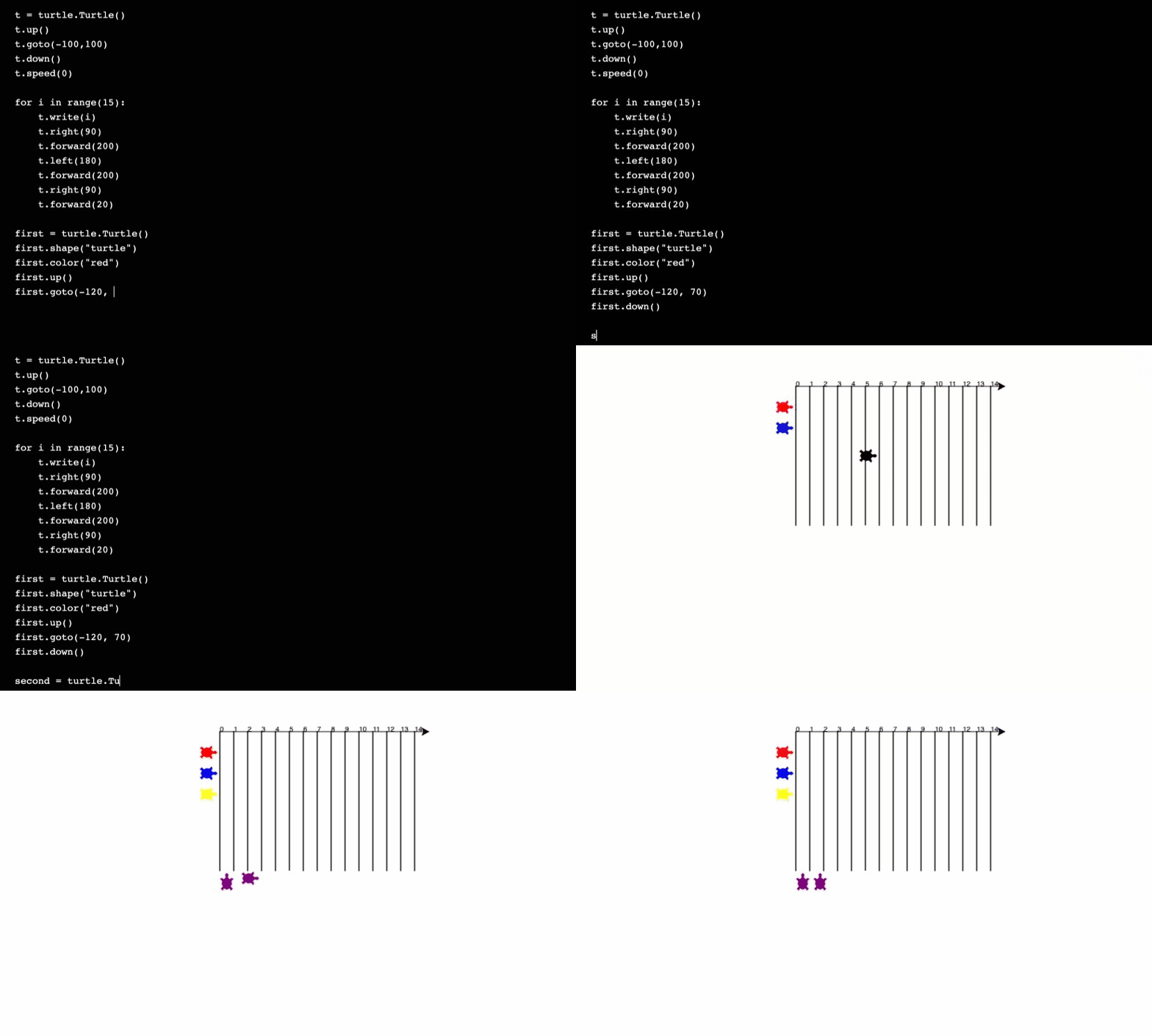
Professional syntax and artificial intelligence concepts.
More courses are available in each area. Your school can start with just one; we build the programme around your grades and can share a detailed curriculum by grade.
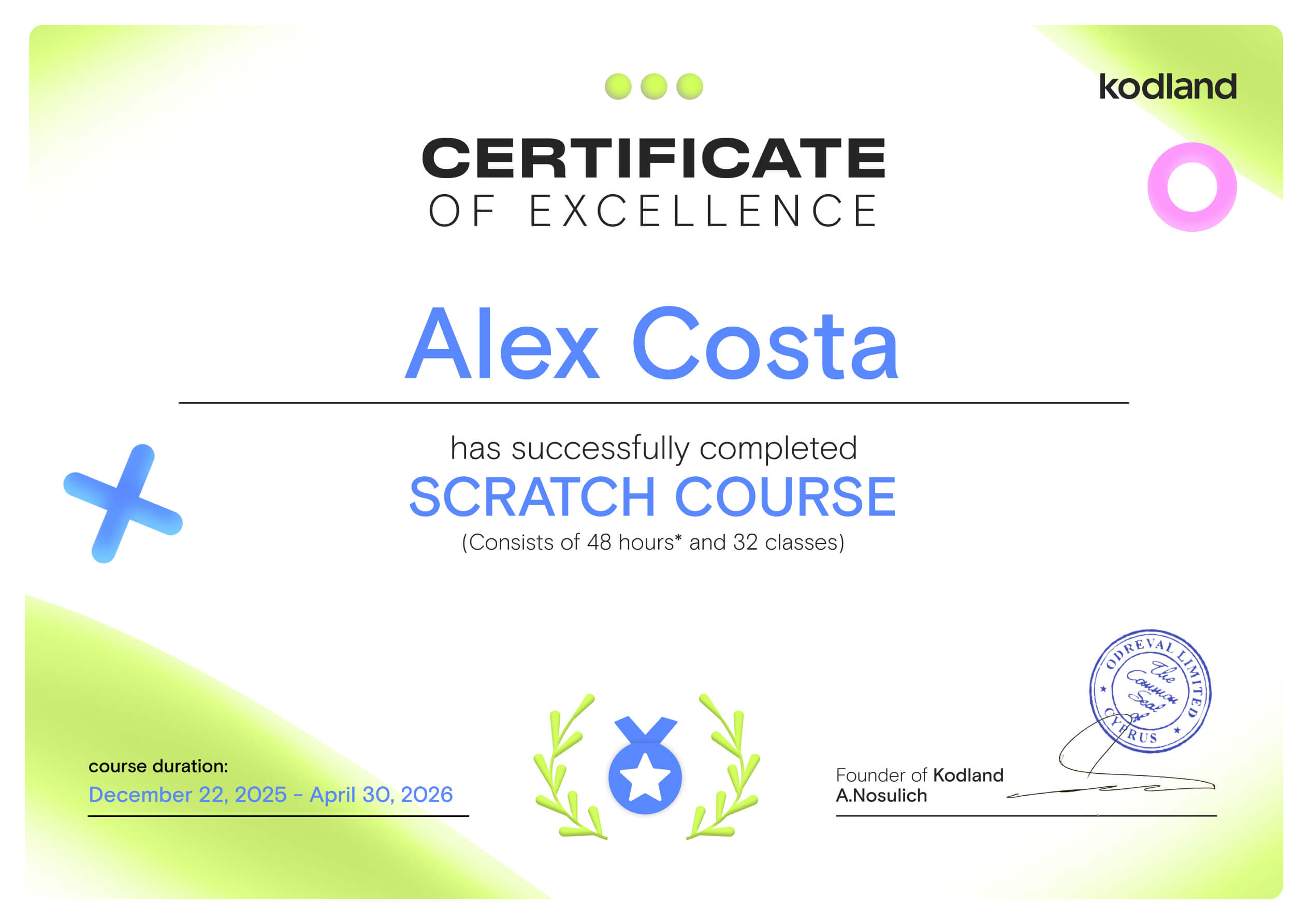
Certificates for your students
Every student receives an international certificate of completion and a portfolio of projects built from scratch.
04 / THE PLATFORM
Groups, attendance, quality and projects at a glance.
Class lists, teacher assignments, timetables and attendance in one place.
Projects and feedback together in a portfolio.
Progress updates and moments to share.
Attendance rose 4 points compared with September.
58 projects submitted across 6 groups.
Suggestion: open an extracurricular Roblox club for Grade 5.
In development · sample data. We agree with your school which features are included in the pilot.
Detailed lesson planning for computing classes.
Participation, completed activities and where a group needs more support.
Lesson guide, slides and a hands-on activity in one place.
The current module of every group at a glance.
Module 3 · Lesson 2: Build your first racing game
In development · sample data. We agree with your school which features are included in the pilot.
One place to learn, practise and create.
The project, the code and the live teacher.
Hints and explanations that help students find their next step.
Every student creates a first project of their own.
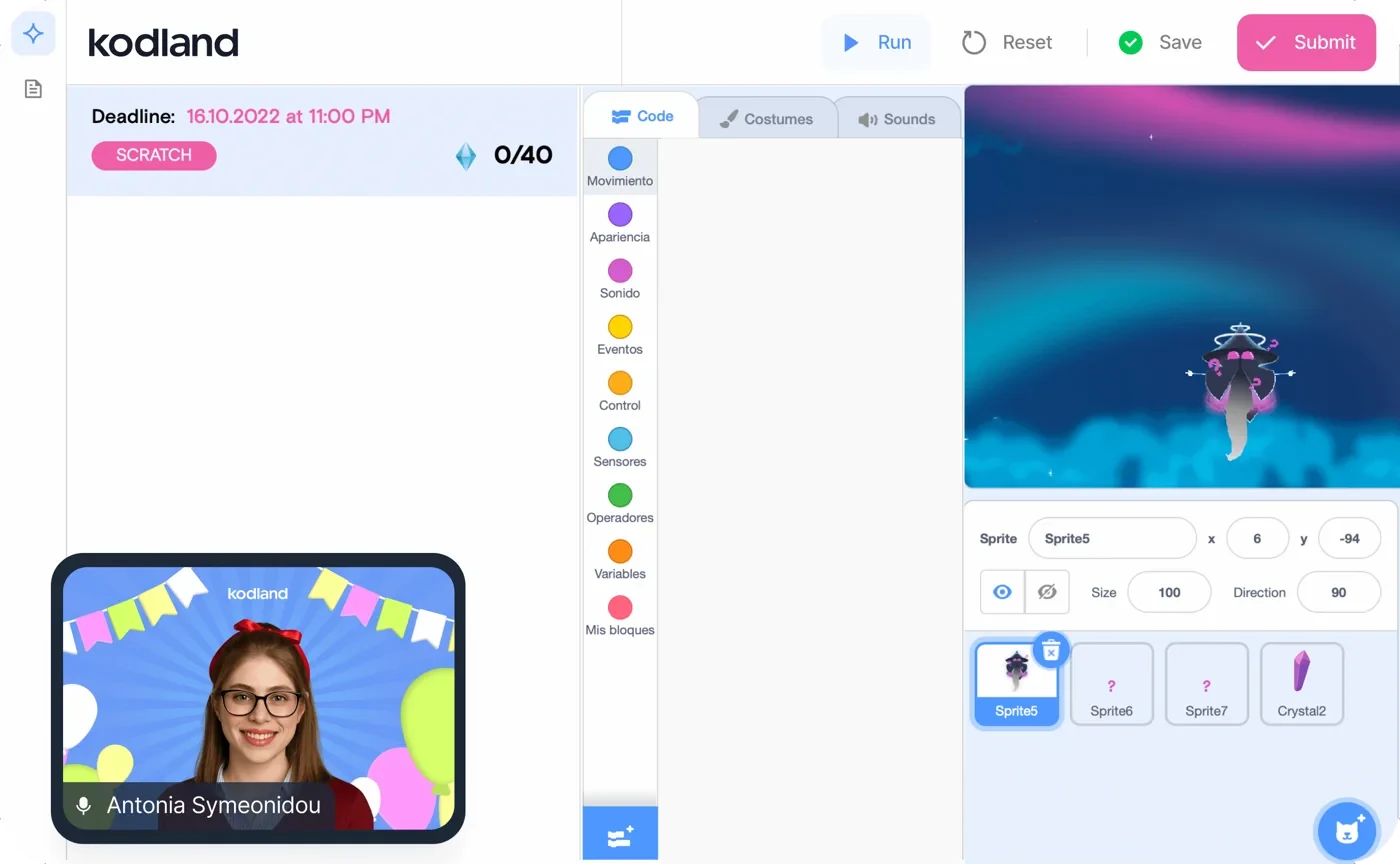
Real screenshot of the Kodland platform.
We use artificial intelligence where it adds value: to support practice, make lesson preparation easier and organise information about progress.
Hints and explanations that help students move forward, without replacing practice or the students’ own work.
Support for preparing activities and draft feedback that the teacher reviews and adapts to each group.
Support for summarising learning information and making it easier for the school team to follow progress.
Teaching judgement stays in people’s hands.
We agree the tools, permissions and data handling with your school before putting them in place.
05 / The team behind Kodland
Since 2018 we’ve brought live teaching, digital creativity and technology together. Our school programmes build on that experience.
Meet Kodland ↗Structured programmes and project-based learning.
Tools to learn, teach and create.
Teachers and operations coordinate every programme.
06 / THE FIRST STEP
A completely free pilot with no commitment. For 4 weeks we work with 2 groups at your school, with 4 lessons for each group. At the end, your leadership team receives a results report. Lesson length and maximum group size are agreed with your school before the pilot is confirmed. Continuing after the pilot is optional.
A 30-minute call to get to know your school and choose the subject and model.
We pick 2 groups, agree the schedule and check devices and connectivity.
With a live Kodland teacher, or with your team after our onboarding. Every student creates their first project.
Your leadership team receives a report on attendance, progress and projects, plus a proposal for next term.
GOOD QUESTIONS
Let’s answer
your school’s questions.
We work with private and public schools. We adapt the model to each school’s goals and resources.
You can choose lessons with Kodland teachers or with your own team. In the second case, we agree the onboarding your team needs.
The teacher joins online and teaches the lesson live. Before launch we agree the classroom set-up and how students are supervised at school.
We can run lessons within the timetable or as extracurricular clubs. Options depend on the programme and model you choose.
In Spanish and English.
It depends on the course. Before starting we check devices, internet connection and the tools required.
Yes. Choose one subject for the pilot, then explore how to expand the programme.
Yes. The pilot lasts 4 weeks, includes 4 lessons for each of the 2 groups and is completely free. Format, schedule, lesson length and maximum group size are agreed with your school before the pilot is confirmed. Continuing after the pilot is optional.
Your school signs an agreement with Kodland and, where applicable, manages family enrolment and fees. The cost of continuing is tailored to your school.
LET’S BUILD IT TOGETHER
Tell us a little about your school. We’ll prepare a conversation about the programme, the model and the free pilot.