

Your kid has a vivid imagination
We'll teach your kid to work in graphic editors and create animations worthy of Disney — so every idea actually comes to life.
Join the Roblox course for kids
starting October 5
Join the Roblox course for kids
starting October 5
Master the fundamentals of digital creativity and learn to navigate professional graphic design and animation software.

We'll teach your kid to work in graphic editors and create animations worthy of Disney — so every idea actually comes to life.
We'll get your kid into digital design tools, opening up an endless canvas for their creativity.
We'll go deeper — composition, colour theory, and real design briefs, the way professionals actually work.
Your child will master digital art, animation, and 3D modeling to create their own cartoons and comics.
Students will confidently create illustrations and animations using Piksel, Kleki, and Brush Ninja.

Mastering frame-by-frame and keyframe animation to build dynamic, professional-looking projects.
An introduction to the world of 3D, focusing on basic shapes and digital sculpting.

Your child will learn to craft compelling stories and bring them to life through comics and animation.

Students will get hands-on experience with video editing and adding voiceovers to their cartoons.

Beyond technical tools, the course fosters creativity, teamwork, and critical thinking.



Our programs meet international STEAM standards — because we believe kids deserve real education, not just an after-school activity.

We find a payment plan that works for your family — no hidden fees, no surprises. Pay in full, use bank instalments, or go with our in-house payment plan.

Your kid can publish projects on a dedicated platform where other students can actually see and use them — this helps learning feel like building something real.

A community of current students and alumni. Your kid can share experiences, make friends, and attend speeches of guests they'd never meet anywhere else.
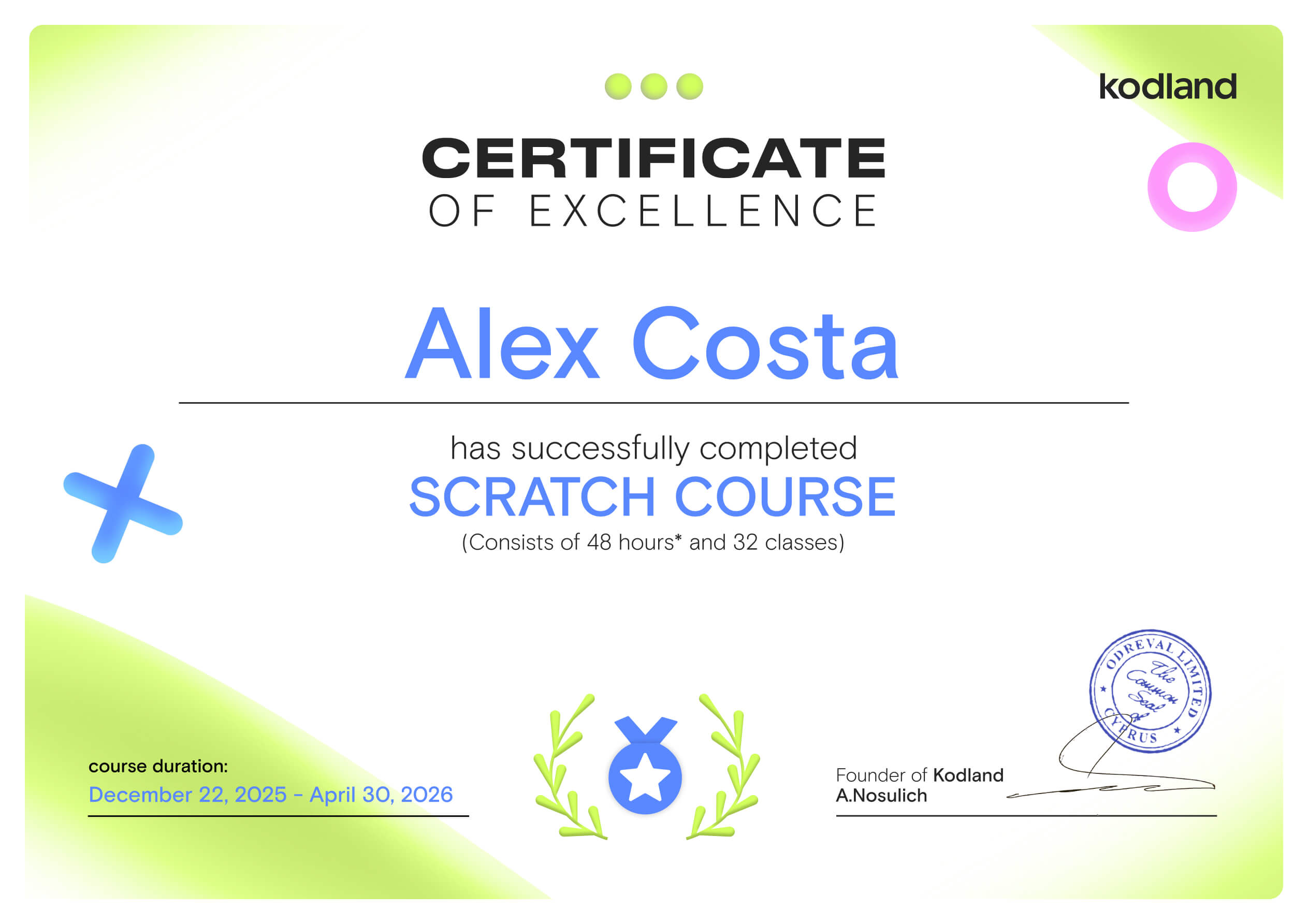
When your kid finishes a Kodland course, the result is tangible: a certificate of completion and a portfolio of real projects built from scratch. Whether it's for a school application, a competition, or just something to show to friends, your kid will have solid proof of what they can do.
This ten-module journey takes your kid from the basics of pixel art through the magic of 3D modeling, comics, and animation. Along the way, they'll build the skills to create their own original characters and stories – culminating in a final project where they bring a time-travel adventure to life, entirely their own.
Get the SyllabusModule 1. From drawings to the first cartoon in Pixel Art style
Module 2. Drawing with a mouse in Kleki. Exploring the prehistoric world!
Module 3. Boosting imagination and creating music in a journey to Ancient Egypt!
Module 4. Developing a unique character. Exciting adventures in a fantasy book!
Module 5. Basics of 3D modelling in Sculptris. Exploring the mystery of distant space
Module 6. How do we come up with stories? Creating a comic in the dangerous world of pirates
Module 7. Frame-by-frame animation in BrushNinja. Travelling to the Age of Dinosaurs!
Module 8. Keyframe animation in Wickeditor. Becoming engineers in the world of steampunk!
Module 9. The basics of video editing in 123App. Adventures in the city of the future
Module 10. The Graduation Project
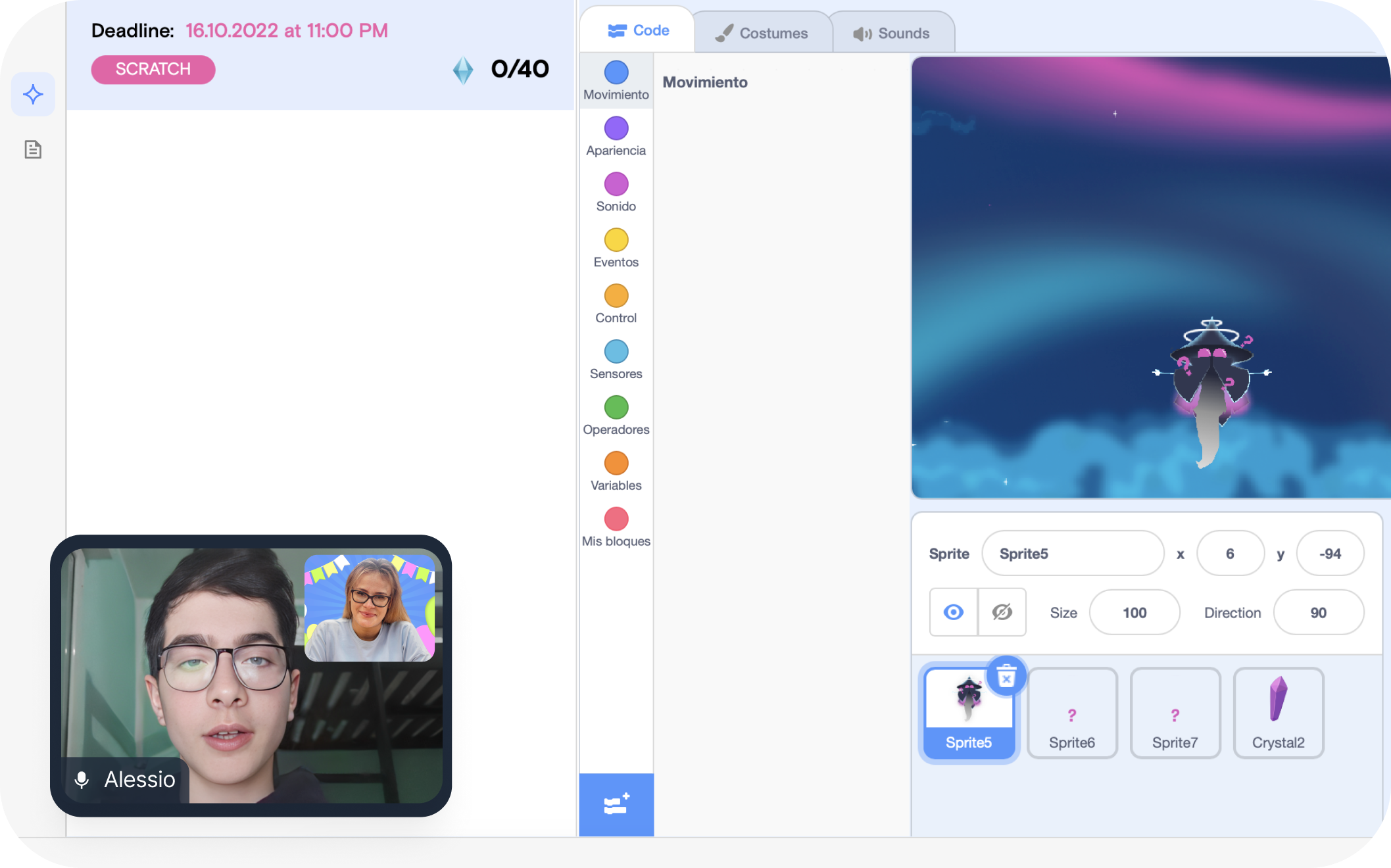
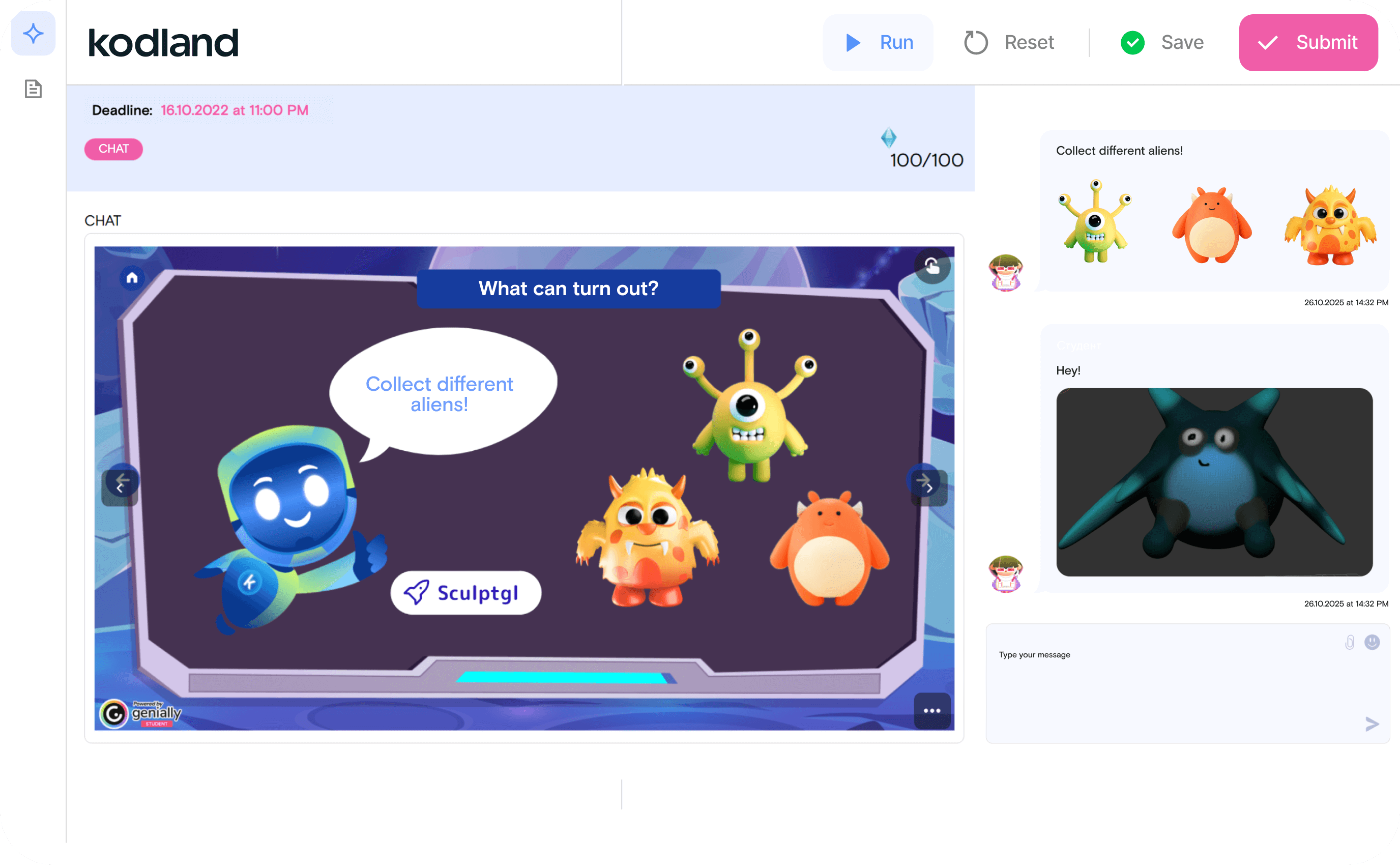
Lessons, tasks, and projects live on a single platform. Kids can revisit materials anytime, review examples, and watch their progress unfold
Create an animation in WickEditor

“We are learning what features you need to be good at public speech, what we have previously learned, like how to edit and use stop motion.”
“We are learning what features you need to be good at public speech, what we have previously learned, like how to edit and use stop motion.”
Create an animation in WickEditor
“Create an animation in WickEditor of a robot demonstrating a function, then use video editing to join the scenes and add sound effects.”
“Create an animation in WickEditor of a robot demonstrating a function, then use video editing to join the scenes and add sound effects.”
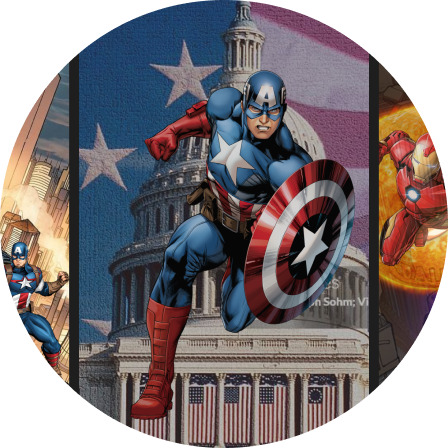
Posters design + a brand identity
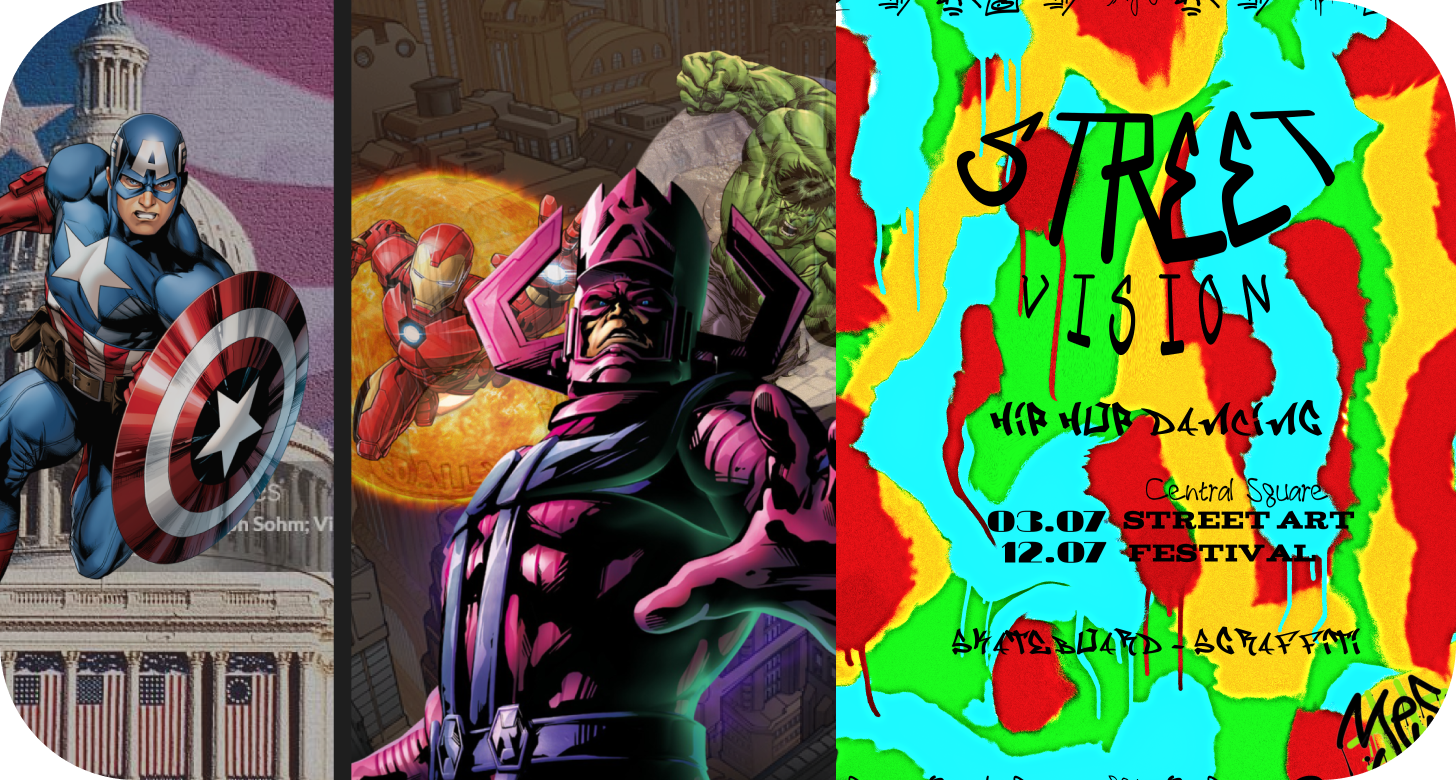
A Kodland student designed a series of posters showcasing various composition techniques, such as focal points, balance, and structure. She further developed this into a brand identity for an event, applying the chosen brand's fonts and colors to create a cohesive and professional poster design.
A Kodland student designed a series of posters showcasing various composition techniques, such as focal points, balance, and structure. She further developed this into a brand identity for an event, applying the chosen brand's fonts and colors to create a cohesive and professional poster design.
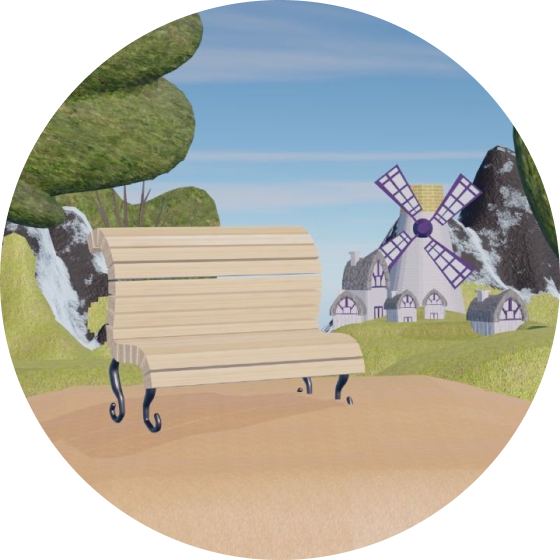
A Kodland student developed this 3D Blender project inspired by My Little Pony
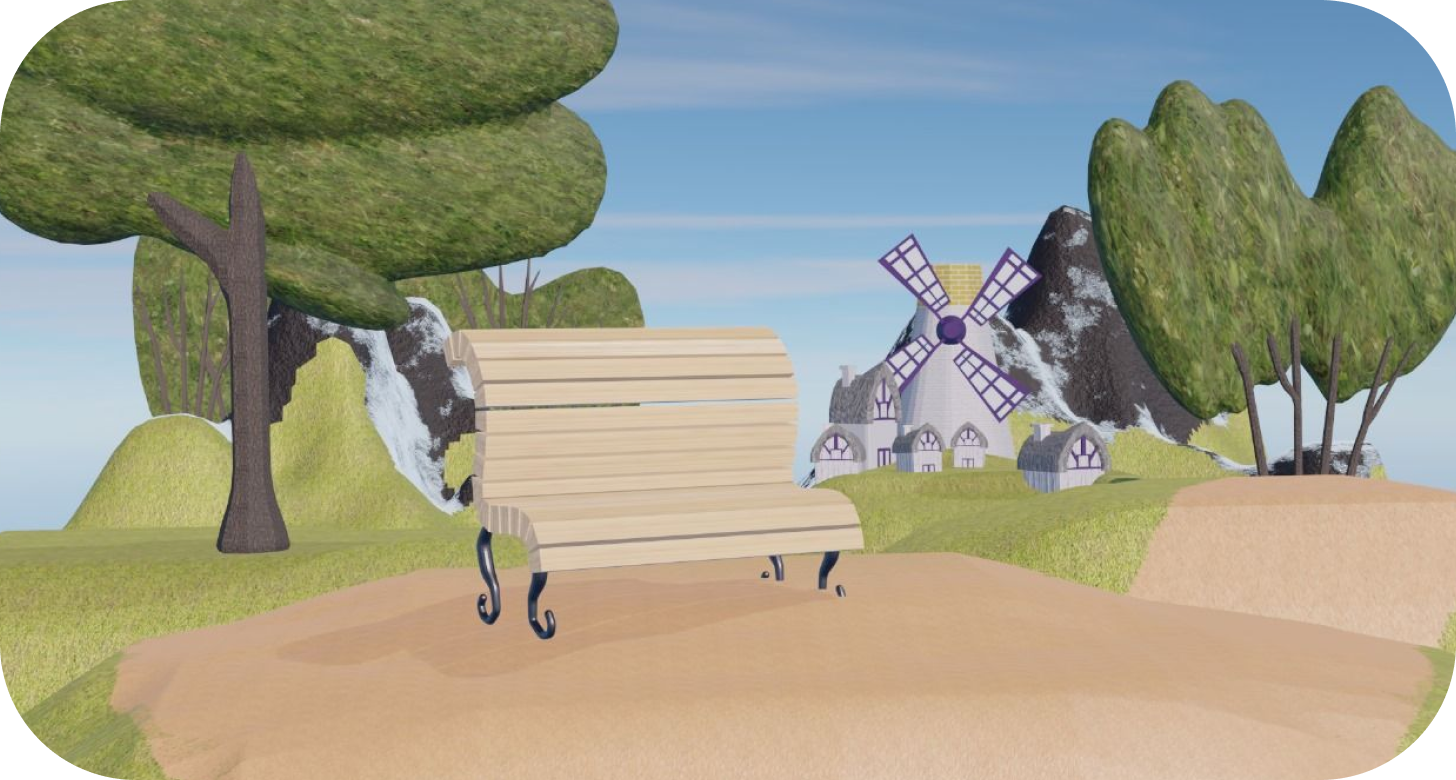
A Kodland student developed this 3D Blender project inspired by My Little Pony. She used manual modeling to achieve a clean aesthetic with pastel colors and soft volumes. By utilizing Array and Curve modifiers and building assets from scratch, she ensured a clear silhouette perfectly suited for children's animation
A Kodland student developed this 3D Blender project inspired by My Little Pony. She used manual modeling to achieve a clean aesthetic with pastel colors and soft volumes. By utilizing Array and Curve modifiers and building assets from scratch, she ensured a clear silhouette perfectly suited for children's animation
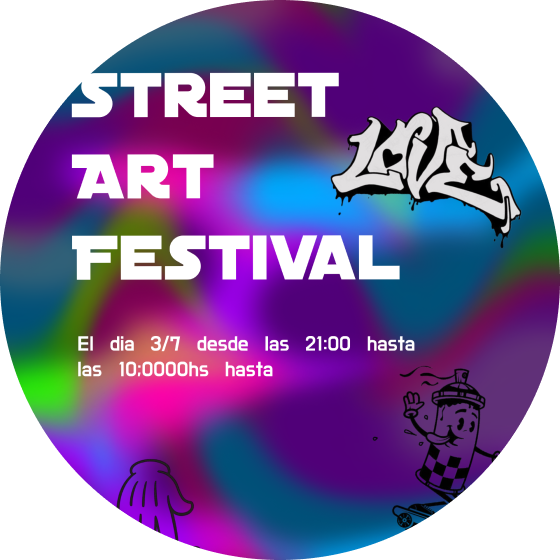
Posters design + a brand identity
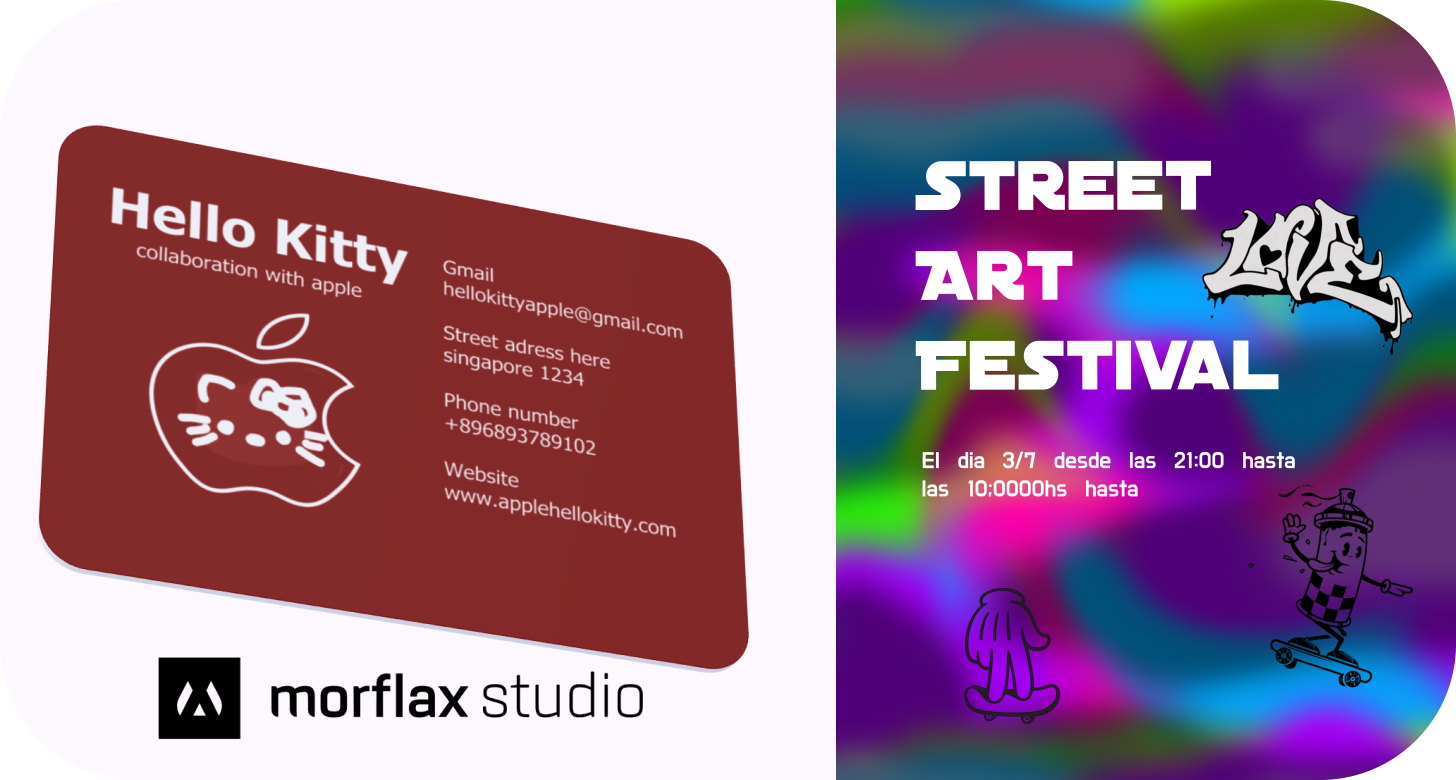
A Kodland student developed these works, featuring an urban art festival poster with a vibrant streetwise aesthetic and a minimalist Hello Kitty x Apple business card. She also captured a unique urban mood using intentional visual noise and muted colors to showcase a versatile design approach
A Kodland student developed these works, featuring an urban art festival poster with a vibrant streetwise aesthetic and a minimalist Hello Kitty x Apple business card. She also captured a unique urban mood using intentional visual noise and muted colors to showcase a versatile design approach
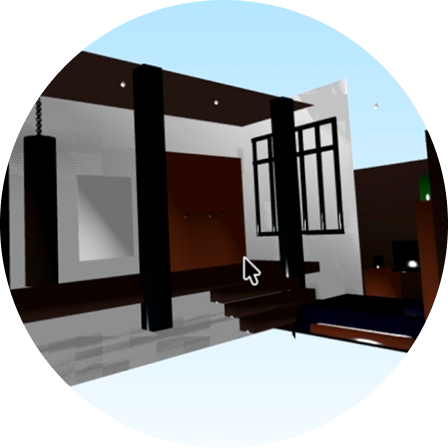
“I was inspired by different designs and how I would like a room like that for myself, with objects for the hobbies I enjoy”
“I was inspired by different designs and how I would like a room like that for myself, with objects for the hobbies I enjoy. I really liked how the space was used, how everything is in its place, and it looks truly functional. The hardest part was adding the image to the painting and the little chain.”
“I was inspired by different designs and how I would like a room like that for myself, with objects for the hobbies I enjoy. I really liked how the space was used, how everything is in its place, and it looks truly functional. The hardest part was adding the image to the painting and the little chain.”
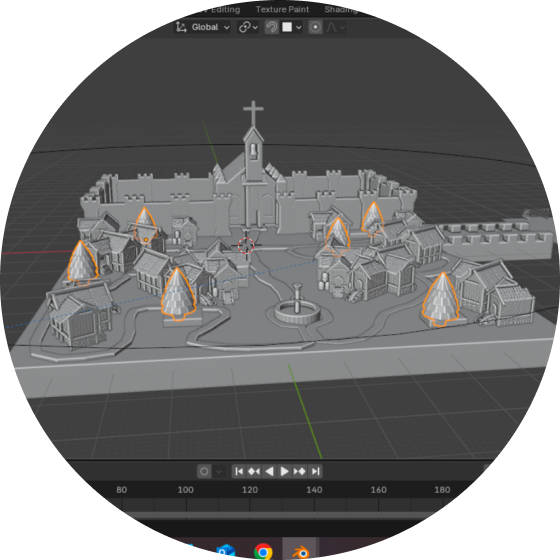
“This is my little village with an old cathedral that I made in Blender”
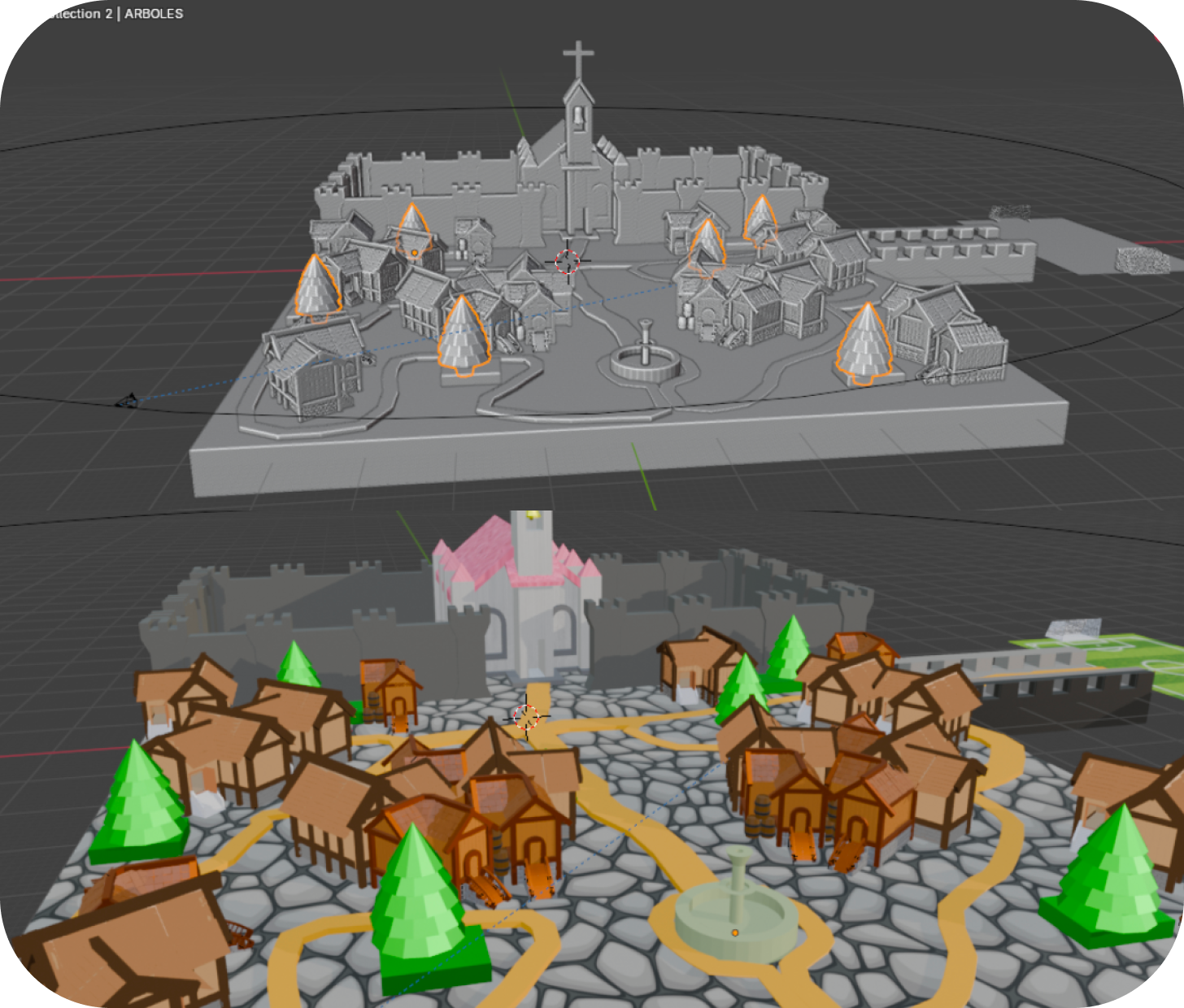
“This is my little village with an old cathedral that I made in Blender. It’s my final project, and I tried to use everything I learned: how to move things, how to draw them in 3D, and what colors to use. My idea didn't really change, and I love how it turned out. Thanks to my teacher and my friends for always helping me!”
“This is my little village with an old cathedral that I made in Blender. It’s my final project, and I tried to use everything I learned: how to move things, how to draw them in 3D, and what colors to use. My idea didn't really change, and I love how it turned out. Thanks to my teacher and my friends for always helping me!”

Skilled curriculum designer who builds beginner‑friendly lessons in Scratch, Python, web development, Unity, and Unreal Engine. Game development team lead at Vaslabs LTD, working on the sci‑fi adventure Cuprum 2929 in Unreal Engine.
“Also creates cozy, inspiring content about technology, learning, and digital creativity”

Trained in software development at SoftUni Srbija, specializing in Python, JavaScript, and SQL. Completed advanced courses in Python programming, object-oriented design, and full-stack development—building projects with Flask, REST APIs, PostgreSQL, and front-end frameworks.
Passionate about teaching and helping students gain real-world coding skills with confidence.

Has over 10 years of experience teaching English and 5 years teaching Spanish through 1-on-1 tutoring and group lessons, with a Bachelor's degree in English.
For the past 4 years, has also worked part-time as a software developer after completing full-stack and backend bootcamps in MERN, Java, and Python.
Currently enjoys working on personal projects, including creating games with Lua in Roblox and Scratch.

Graduated this year with a degree in Graphic Design, specializing in Game Design and Virtual Reality. Worked as a freelance graphic designer focusing on illustrations and character design, selling handmade merch at conventions.
Has been a Fantastic Word Design tutor at Kodland for 3 years.
Passionate about character creation and sharing art knowledge to help students grow their creativity and skills.

Programming tutor with over seven years of experience in software development, DevOps, and cloud infrastructure. Skilled in Python, Node.js, React, and Azure.
Previously worked as a DevOps engineer, application support analyst, and full-stack developer—monitoring high-performance systems, building scalable applications, and supporting engineering teams.
Brings practical, real-world expertise into every lesson with a hands-on, engaging teaching style.
We believe the best results come from genuine passion. When students are excited to learn, they don't just participate – they win. From prestigious Olympiads to global hackathons, Kodland students consistently take top honors, turning their skills into a proven track record of success
 We turn casual interests into skills for the future

Lessons happen live on our platform in small groups, guided by a dedicated mentor. Learning is hands-on: kids apply new knowledge immediately by working on real projects.
Check answers to the most common questions below, or visit the Help Center for more information
Can we change the tutor/course/schedule?
Can we join the classes through mobile devices like phones or tablets?
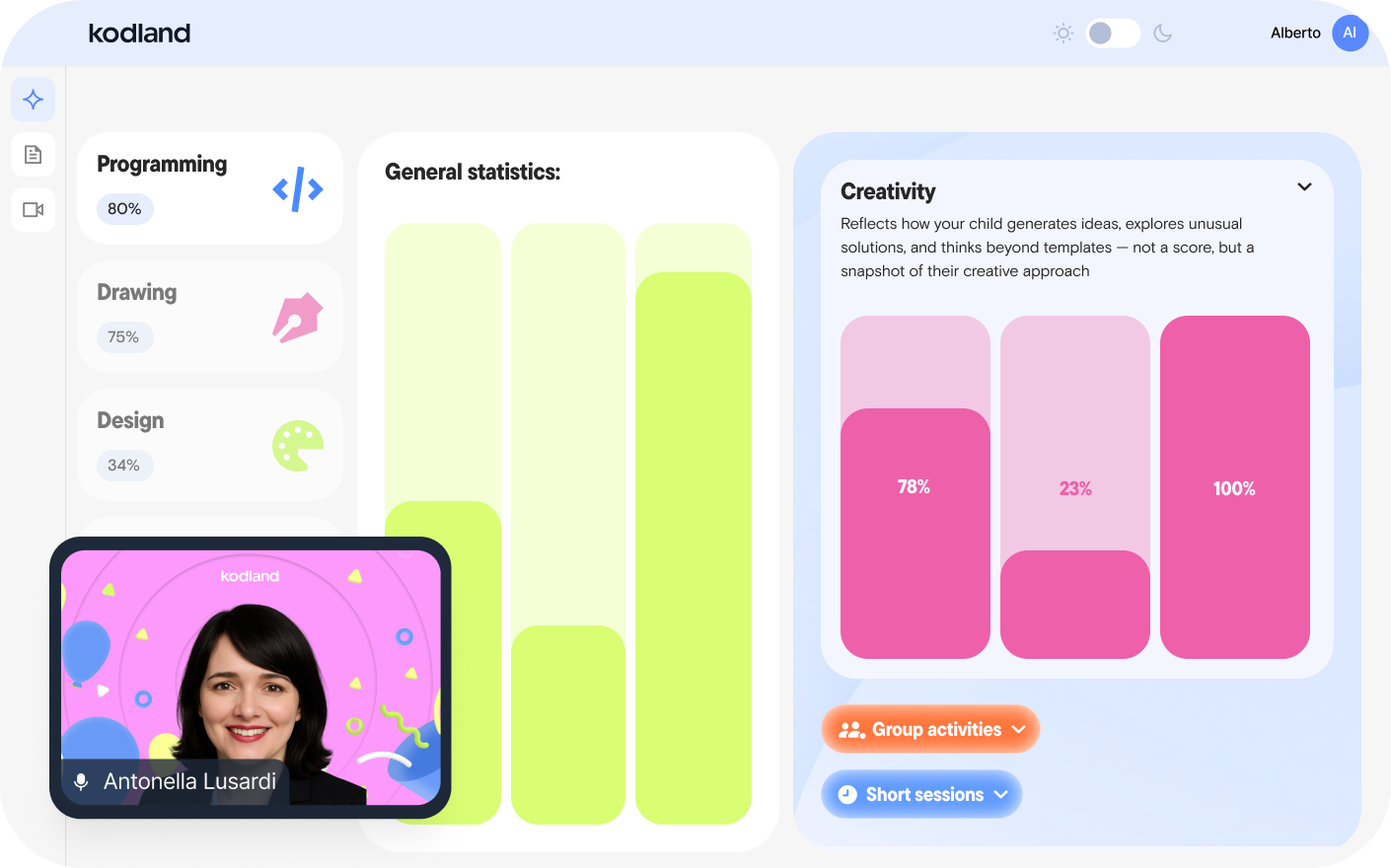
How can I track my child's progress?
How can you prove that your company is real? What if it's all a scam?
How are the lessons held?